 Y8 Games
Top Puzzle Games Like Draw You Should Try
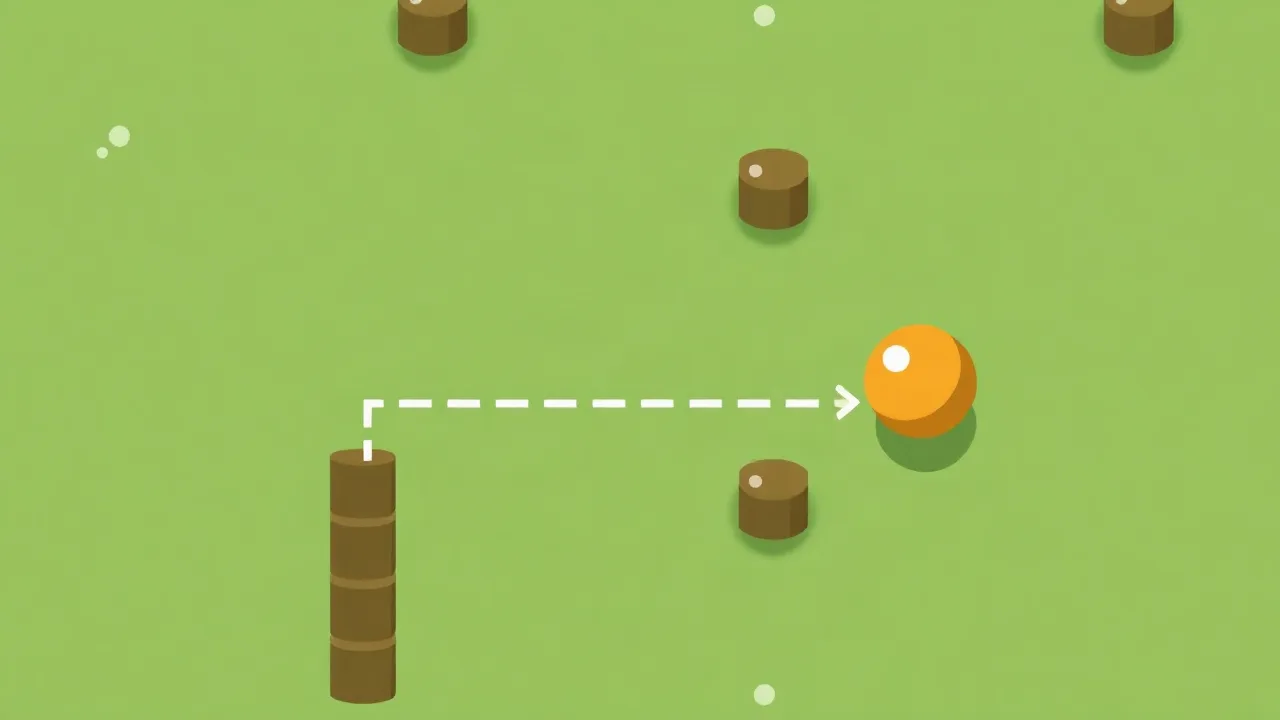
Draw is a browser-based puzzle game that puts your hand-eye coordination and quick thinking to the test. Part of a growing catalog of online games, it challenges players to sketch shapes and paths that solve each level. Whether you have a few minutes to spare or want to settle in for a longer session, this casual puzzler offers a satisfying blend of simplicity and challenge.
What Makes Draw Stand Out Among Puzzle Games
A Simple Concept With Surprising Depth
At its core, Draw asks you to sketch lines and shapes on screen to guide a ball, clear obstacles, or reach a target. The controls are straightforward — click or tap and drag to draw — but the puzzles grow increasingly clever. Early levels ease you in, while later stages demand creative thinking and precise strokes. That gradual difficulty curve keeps players engaged without feeling overwhelming.
The beauty of Draw lies in how accessible it is. There are no complicated menus or steep learning curves. You open the game, pick a level, and start drawing. It is the kind of browser-based game that works just as well on a lunch break as it does during a longer gaming session.
| Feature | Details |
|---|---|
| Gameplay style | Sketch-based puzzle solving |
| Controls | Click or tap and drag to draw |
| Session pace | Quick levels, easy to pick up and pause |
| Device fit | Works on desktop and mobile browsers |
| Category match | Puzzles — logic, timing, and creativity |
How the Drawing Mechanic Works
Every level presents a scenario that needs your sketch to move forward. You might draw a ramp for a rolling ball, a barrier to block falling objects, or a path that leads a character to an exit. The game physics respond to whatever you create, so the shape and placement of your lines matter.
There is no single correct answer for many puzzles. A wide ramp works differently from a narrow one. A curved line changes momentum in ways a straight one does not. That freedom encourages experimentation, and figuring out what works is half the fun.
Progressive Difficulty Keeps You Engaged
Draw starts gently, letting you learn the mechanics without pressure. As you advance, new elements appear — moving platforms, timed obstacles, multiple targets — that add layers of complexity. The difficulty never spikes unfairly. Instead, each level builds on skills you have already developed, which makes progress feel earned.
For players who enjoy a challenge, later levels offer satisfying head-scratchers that reward creative problem-solving. For casual players, the early and middle stages provide plenty of enjoyable content without frustration.
Why It Works So Well as a Browser Game
One of the biggest advantages of Draw is that it runs right in your browser. There is nothing to download, no account required, and no waiting. You can jump in from any computer or mobile device with an internet connection. That convenience makes it a perfect fit for anyone browsing online games during a break or commute.
Browser games like this also benefit from short level design. Each puzzle can be completed in under a minute, so you can play one level or ten depending on your available time. The game respects your schedule while still delivering a complete experience.
Tips for Solving Tricky Puzzles
When a level stumps you, try changing your approach rather than refining the same sketch. Sometimes a completely different shape solves the problem instantly. Pay attention to how objects move after you draw — physics-based puzzles often reveal the solution through trial and error.
Another useful strategy is to think about what the puzzle is asking you to prevent, not just what it wants you to achieve. Blocking a hazard can be just as important as guiding a target. Sketching a quick protective barrier often opens up the path forward.
Who Will Enjoy This Game Most
Draw appeals to a wide range of players. Fans of logic puzzles will appreciate the clever level design, while creative types will enjoy the freedom to sketch their own solutions. It is also a great pick for players who prefer low-stress gaming — there are no timers pressuring you and no penalties for experimenting.
If you enjoy games that test your spatial reasoning and reward creative thinking, Draw fits right into your rotation. It pairs well with other entries in the puzzles category and makes a solid addition to any game library.
Getting Started With Draw
Jumping in takes seconds. Open the game in your browser, and you are ready to start sketching. The first few levels serve as a gentle tutorial, so even first-time players will quickly understand the mechanics. From there, it is simply a matter of working through the puzzles at your own pace.
As part of a larger game collection, Draw stands out for its clean design and instantly understandable gameplay. It is the kind of free online games experience that keeps you coming back for just one more level.
Frequently Asked Questions
Is Draw free to play? Yes, Draw is available to play for free in your web browser with no download required.
Can I play Draw on my phone? The game works on mobile browsers, so you can play on a phone or tablet as well as a desktop computer.
Do I need to create an account? No account or sign-up is needed. Simply open the game and start playing.
How long does a level take? Most levels can be completed in under a minute, making it easy to play in short sessions.
Are there multiple solutions to each puzzle? Many levels allow for creative solutions, so different sketches can sometimes solve the same challenge.